Roof Pitch Calculator: Measurement Record Check
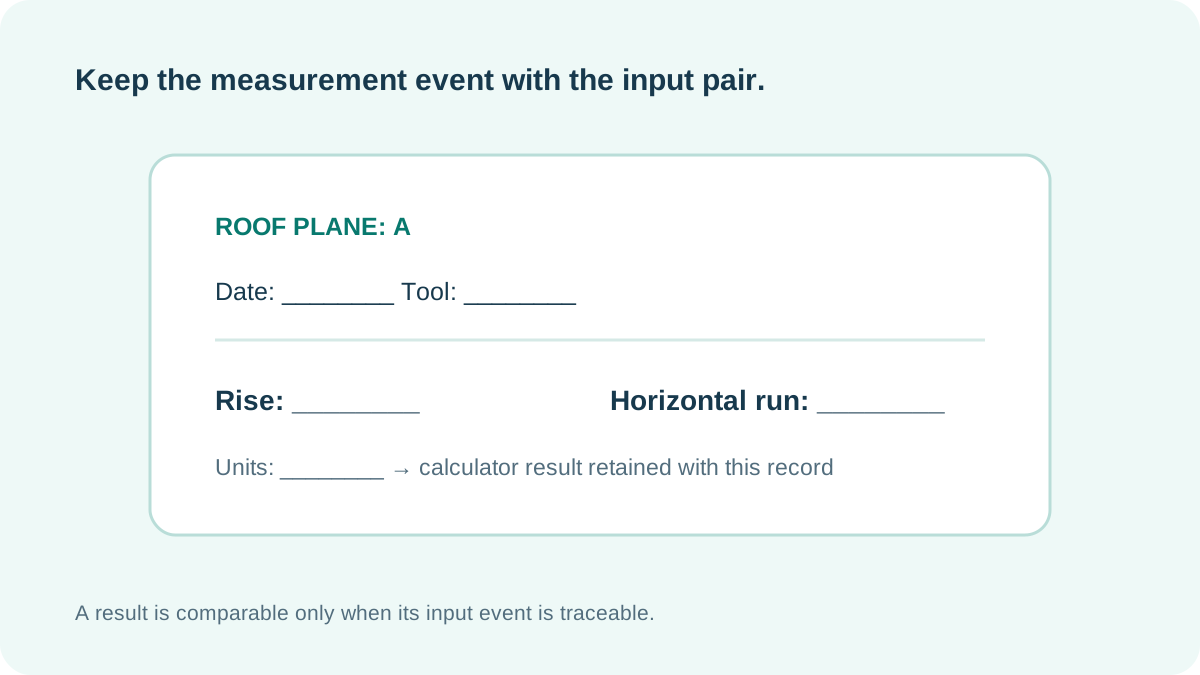
Record the date, tool, units, and roof plane with every rise/run pair. A calculator result is only comparable to an older result when the measurement record shows what was actually measured.
Why the event matters
Rise and horizontal run are numbers from a measurement event. A later note can look different because the roof plane, reference points, units, or measuring tool changed. Preserve those details before deciding that two calculator outputs conflict.
Use one record for one calculation
Enter a rise and horizontal run from the same recorded event. Keep the source pair even when the displayed ratio is rounded. If a new measurement is taken, retain it as a separate dated record.
Name the plane and reference points.
Write date, tool, units, rise, and run.
Keep that record with the displayed result.
Can I compare two pitch results without their field notes?
Not reliably. The result does not show whether the same plane, units, or measuring method supplied the two input pairs.
This improves traceability; it does not verify field accuracy, framing, material suitability, or approval.