Roof Pitch Calculator: Label the Roof Plane
Write which physical roof plane supplied a rise/run pair before using it again. On a roof with additions, offsets, dormers, or unequal sides, a correct measurement can still belong to the wrong calculator entry.
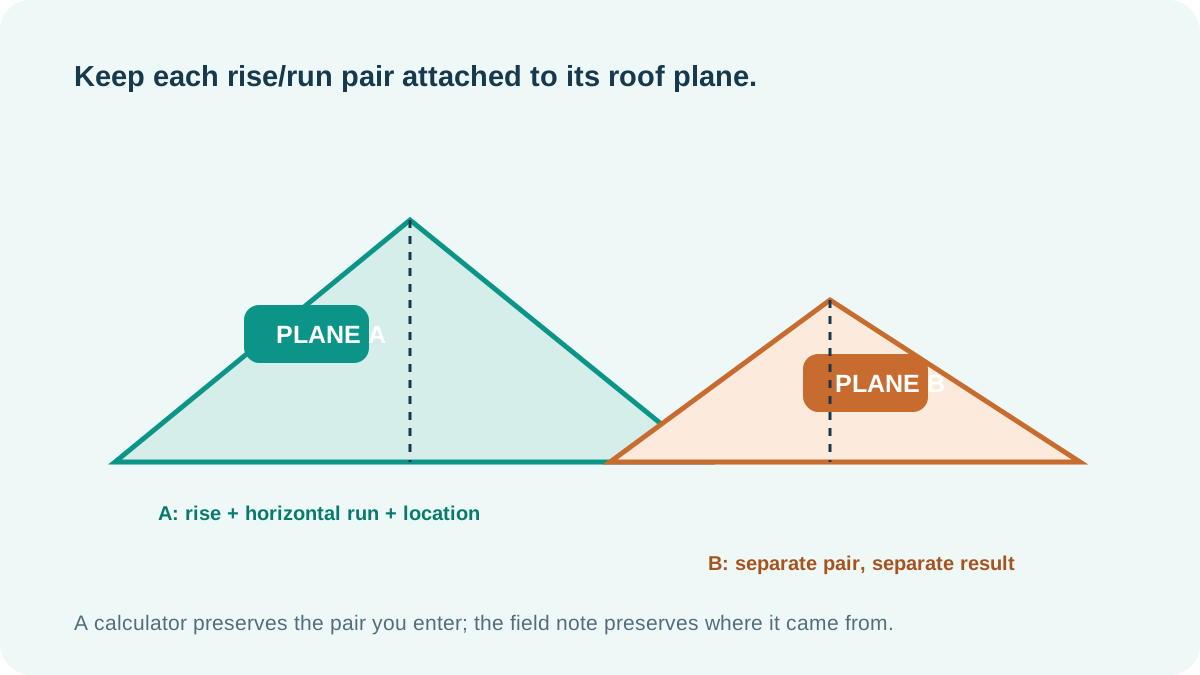
Attach the pair to a roof surface
A calculator can transform a vertical rise and horizontal run, but it cannot determine which roof surface those values describe. A simple gable may have two matching planes. An addition, offset ridge, intersecting roof, or altered eave can make the nearby surfaces different.
When the measurement is written down, add a plane label that a future reader can find again: for example, “rear main plane,” “east addition plane,” or another project-specific label. The label is part of the measurement record, not extra decoration.
Use one pair from one plane
Pair the rise and horizontal run measured from the same labelled surface. Do not combine the rise from one plane with a run taken from another, even when the two numbers seem close. If the plane has changed, treat the new pair as a separate calculation.
Give the physical roof plane a location label before measuring.
Keep rise, horizontal run, units, and the plane label together.
Carry the same label into every later calculator check or drawing note.
Can I reuse a pitch result on another roof plane?
Only after confirming the second plane has the same measured rise/run relationship. A result does not transfer by proximity alone; each physical plane needs its own identified input pair.
Labelling the measurement plane improves traceability. It does not verify field accuracy, roof layout, framing, product suitability, or approval.
Method and scope
- Original calculator logic and field-note practice. This page provides a recordkeeping method and introduces no construction, product, or regulatory claim.
This is an original calculator-record guide, not a structural layout or construction approval.